Create Additional Types
Why Create Type Categories?
xyzDiagram allows you to create as many node types as required for your modeling use case.
By default, the tool contains a single node type called Object. This default type can also be renamed later. Custom node types help structure complex diagrams by assigning:
- Different meanings
- Different colors
- Different categories
- Better visual separation
Types add semantic clarity. Instead of many identical nodes, you mark intent: service, database, decision, gateway, owner, risk, or policy. Color and naming conventions make reviews much faster.
Workflow
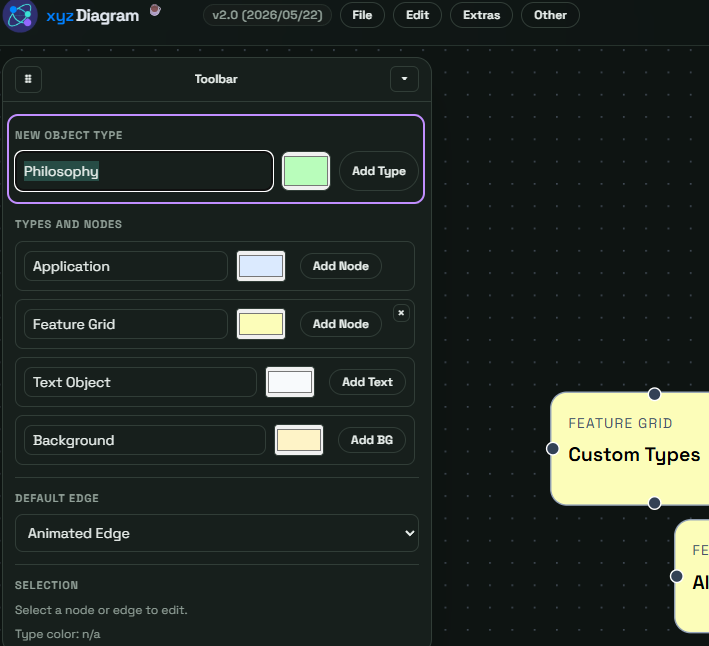
- Check the New Object Type option in the toolbar.
- Enter a precise type name and color.
- Add nodes with the new type.
- Re-check naming consistency across the level.
Example Use Cases for Additional Types
| Scenario | Example Types | Outcome |
|---|---|---|
| Software architecture | Service, API, DB | Faster technical scan |
| Process design | Task, Decision, Input | Clear process meaning |
| Governance map | Owner, Control, Risk | Better accountability |