Adjust Edge Types
Why Edge Types Matter
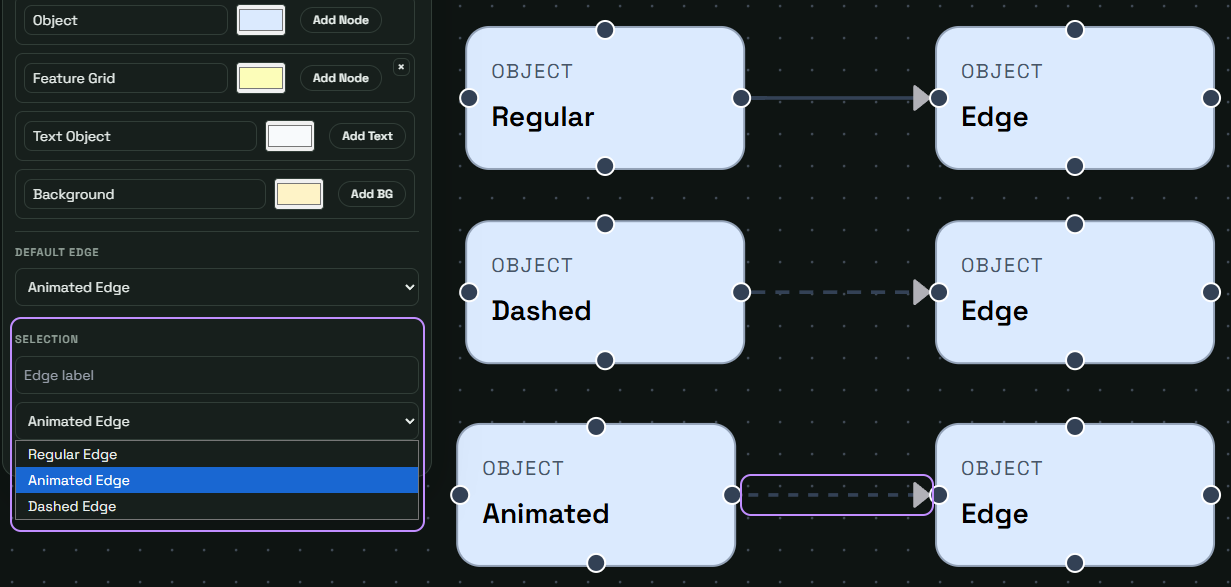
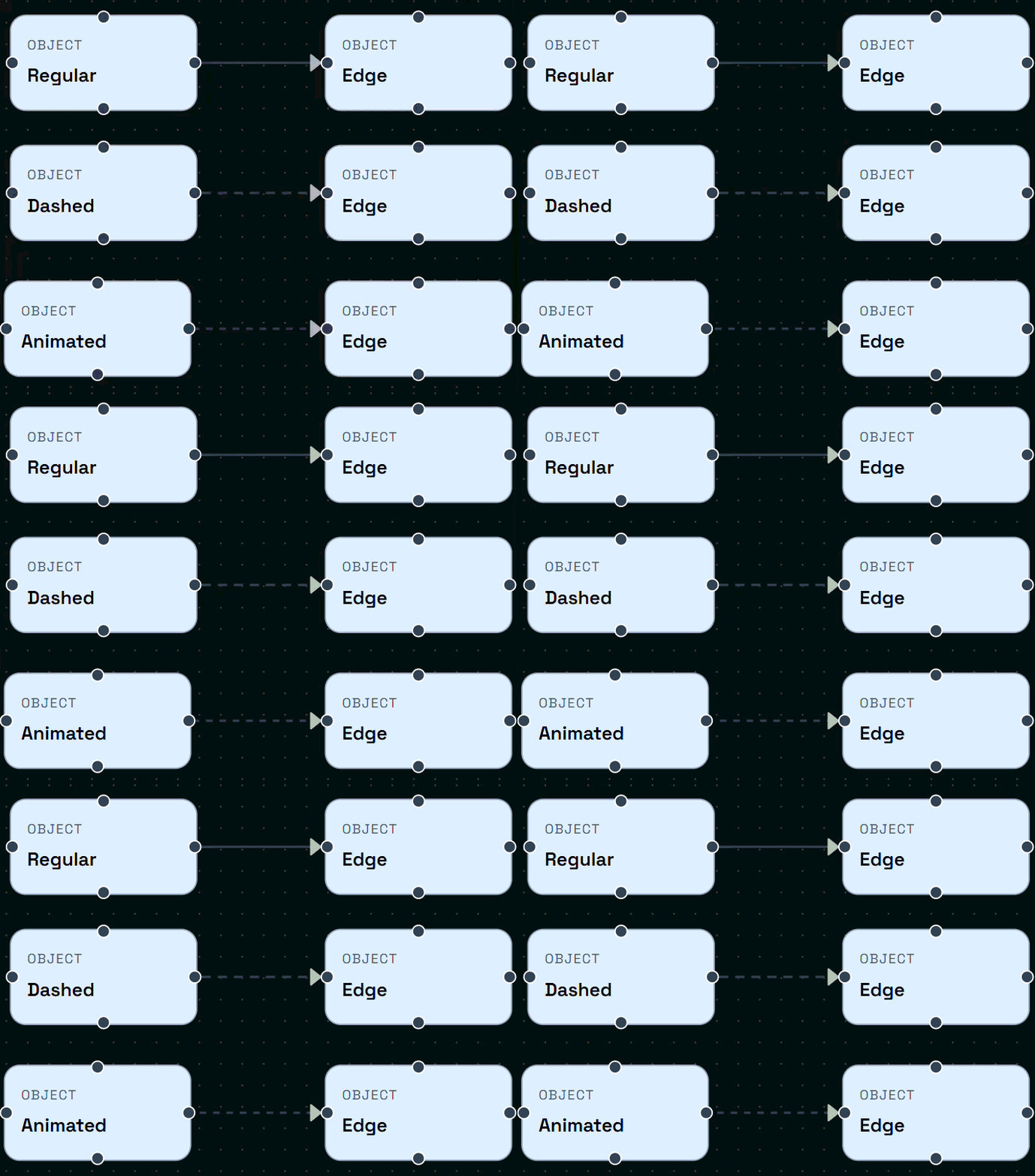
Edges are not only lines; they communicate relationship semantics. A regular edge signals normal dependency, a dashed edge marks optional/fallback/controlling behavior, and an animated edge highlights active or directional flow. Using different edge types helps improve readability and semantic meaning in complex diagrams.
How to Apply Edge Semantics
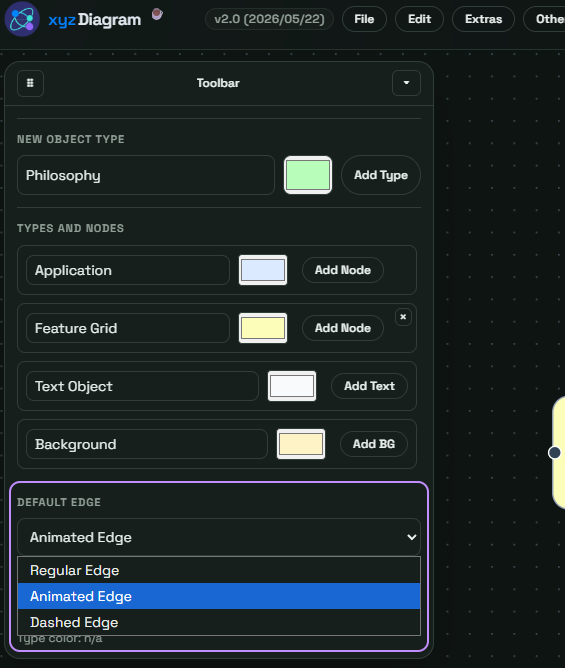
Set a default edge style first, then override specific links where meaning differs. Keep visual language consistent before presenting to stakeholders.
Edge Reference
| Edge Type | Typical Use | Communication Benefit |
|---|---|---|
| Regular | Stable relation | Familiar and clean |
| Dashed | Optional/indirect/controlling path | Shows conditional logic |
| Animated | Active flow | Draws attention to movement |
Change the Edge Type
The currently selected default edge type determines which edge style is used when creating new connections. To change the default edge type, click on the edge you want to change and change the edge type via the toolbar.