
Link Nodes
Why Link Nodes?
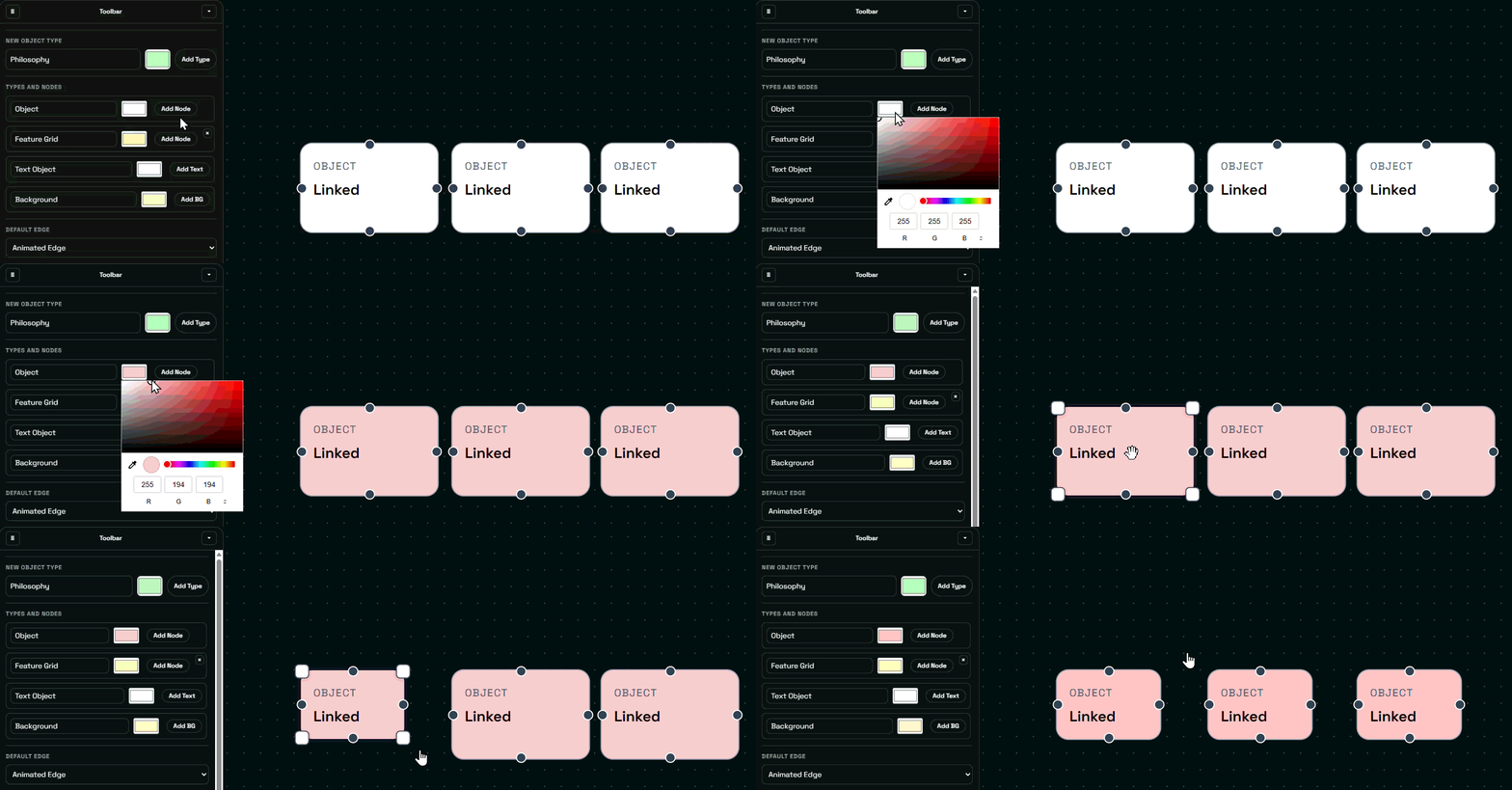
When the same entity appears in several places in the diagram, duplicated manual updates can create inconsistencies and is a hassle. That is why xyzDiagram introduces automatic node linking.
Linked nodes share:
- Name
- Description
- Node type
This feature is useful when the same concept appears multiple times in different parts of a diagram. Linking by exact name keeps synchronized meaning across the diagram.
How Linking Works
If two nodes share exactly the same name, xyzDiagram links them automatically. Name, description, and type stay aligned to preserve consistency. That means linking nodes can be done via renaming nodes to identical names.
Important Behavior
Linked nodes cannot be manually unlinked. If you want to remove the connection between linked nodes:
- Delete the linked node
- Create a new replacement node with a different name
Example Use Cases
- Reusing components across system diagrams
- Referencing the same business entity in multiple flows
- Representing shared resources
- Showing dependencies in different sublevels
- Recommended Visuals